October 16, 2026
Interactive Assembly Instructions vs. Assembly Videos: Which Is Better?
.png)

Interactive 3D assembly instructions are the better primary format for most physical products. Customers can rotate parts, zoom in, and follow each step at their own pace. Meanwhile, brands can update the digital instructions in one place. Assembly videos remain useful for technique-heavy steps, but they often work best alongside interactive instructions rather than as the sole guide.
Every product launches twice. The first launch happens in your warehouse, amid pallets, barcodes, and a sense of occasion. The second happens on a customer’s living room floor, surrounded by loose parts, mystery screws, and a phone propped against the wall, frozen on a video halfway through a step.
The second launch can help determine whether the customer leaves five stars or one. The instructions inside the box can shape a customer’s experience of the brand more than many teams realize.
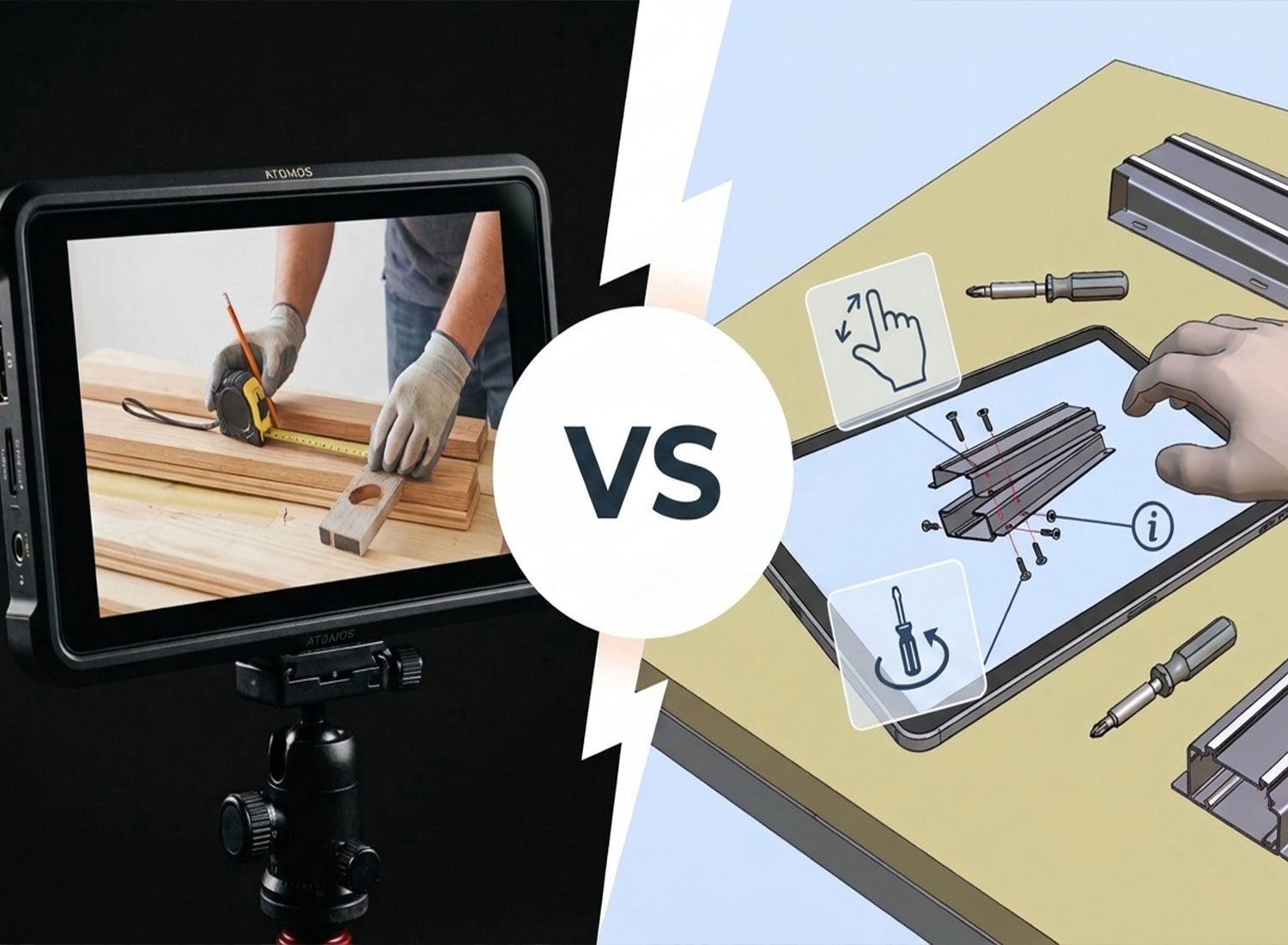
So which format deserves the job? This comparison puts 3D assembly interactions vs. assembly videos head-to-head to help you choose the right fit for your product.
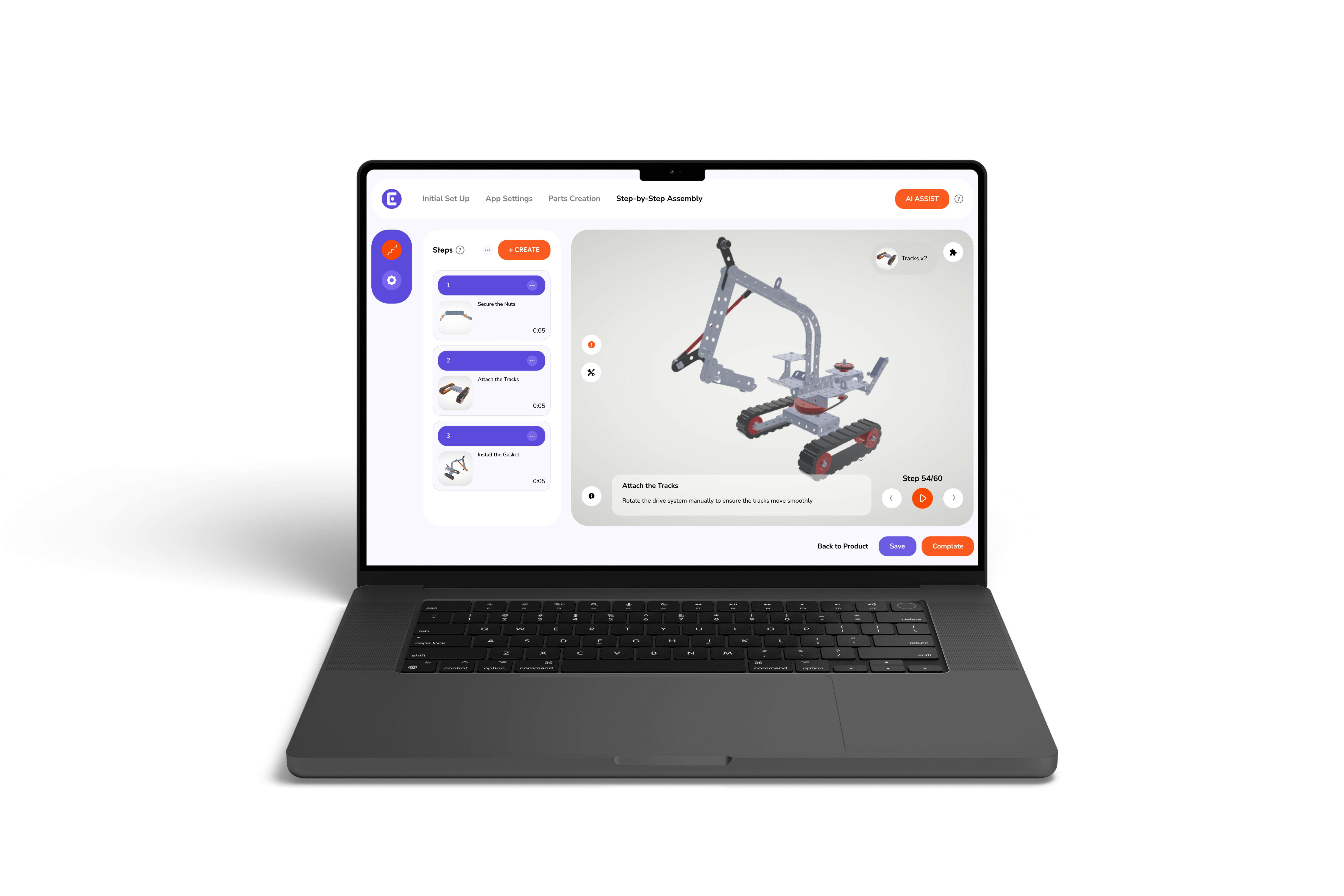
Interactive assembly instructions guide customers through product assembly using a 3D model they can explore as they work. Instead of relying on a fixed camera angle, customers stay in control of the view. They can:
When available through a browser or mobile device, 3D assembly instructions give customers a more flexible way to access digital assembly manuals.
The difference becomes clearer when you compare a 3D guide with a conventional PDF manual. Static diagrams offer limited viewing angles, and separate language versions may require separate files. A 3D guide lets customers inspect the model from different angles. This practical advantage of 3D instructions over PDF manuals matters most for products with hidden fasteners or mirrored parts.
Creating an interactive guide can also be much simpler when you already have a compatible 3D model. Easemble can convert FBX, GLB, and OBJ files into interactive guides in minutes, with tools designed for users without technical training.
Video has its strengths. It can demonstrate actions that static images struggle to convey.
Nevertheless, limitations emerge when customers need to find a specific step. Assembly instruction videos usually follow a linear sequence. A customer stuck on step nine may need to scrub through the timeline to find it, then go back to compare it with step eight. A presenter’s hand can further obscure the screw a customer needs to see when the camera may show only one angle at a time.
The production burden can grow as the product evolves. A design change may require reshooting or editing footage, or new markets may need translated narration and subtitles.
The 3D assembly instructions vs assembly video debate gets clearer when you compare them on the factors customers and manufacturers actually care about.
In the video vs interactive manuals comparison, the main difference is control. Videos present a sequence chosen by the creator. Interactive guides let customers explore supported steps and angles at their own pace.
Production economics tilt the same way. Digital delivery removes printing, ink, and shipping weight. For manufacturers managing multiple products and markets, those savings and workflow efficiencies can add up over time. With built-in analytics, brands can examine how customers use a guide and identify steps that may need clarification before confusion leads to support requests.
Confidence is a major reason why customers prefer 3D interactive guides. Nobody wants to guess whether a part belongs on the left or right. A 3D guide can reduce guesswork by letting customers rotate the model until its orientation matches the parts in front of them. Customers can also access instructions on a device they already use.
These features offer several practical benefits:
The best format for assembly instructions is not necessarily one file type. It is a flexible system built around a single source. Easemble’s platform is designed to turn one source into multiple formats, including an interactive web guide, mobile and tablet experiences, a printable PDF, and an assembly video. The manufacturer can also manage changes centrally through synchronized updates across its published formats.
This approach also makes it easier to adapt documentation to each assembly use case. Customers assembling a product with complex or hidden components may benefit from an interactive 3D guide. Those learning a technique may prefer a video demonstration. Even a printable PDF can remain useful when customers need offline access.
This moves the decision beyond an either-or choice. Video can complement the interactive guide rather than require an entirely separate documentation workflow.
The future of product documentation is digital, scannable, and tied to the product itself. Five trends are shaping this shift:
The EU is introducing digital records that store key information about a product, including its materials, repair, and maintenance requirements. For example, from February 2027, electric vehicle batteries and industrial batteries above 2 kWh placed on the EU market must have a Digital Battery Passport accessible through a QR code, NFC chip, or RFID tag.
A printed code no longer has to point to a fixed file. Dynamic QR codes use a redirect layer, so the destination can change at any time. A code on the box can lead to a live guide that improves long after the product ships.
AI tools can speed up the creation of interactive 3D manuals, making it easier for teams to develop and refine instructions.
AR overlays that pin each step onto the product are the natural next stage for 3D guidance. This is still emerging, so expect industrial equipment and modular construction to adopt it before consumer products do.
When step-level engagement shows where customers stall, engineers can fix the product itself instead of rewriting the instructions around a flaw.
Assembly is the last mile of every sale. Video can narrate it, but interactive 3D guides let customers control it. For most products, the verdict between 3D assembly instructions vs. assembly videos is clear. Lead with an interactive guide, support it with video where motion matters, and publish both from one source.
Ready to see it with your own product? Book a demo with our team at Easemble and turn your 3D model into an interactive assembly manual in minutes.
How do you create assembly instructions for a product?
Start by listing every part and the order of the build, then break the process into single-action steps. Have someone who has never seen the product test the draft before it goes live.
What should good assembly instructions include?
At minimum, they need a parts and hardware list, the tools required, safety warnings, an estimated build time, and one action per step. A short troubleshooting note and a support contact help with common mistakes.
How can you tell if your assembly instructions are confusing?
Look for support questions that cluster around one step or parts damaged by wrong fitting. Watching a first-time builder without helping reveals the rest. Digital guides add a data layer, since built-in analytics show how customers engage with the guide and help pinpoint trouble spots.
Are 3D assembly instructions only for furniture?
No. Use cases include industries including furniture, modular construction, sports and recreation, industrial equipment, toys, consumer electronics, baby products, and home DIY. Some customers also use interactive guides for installer training and onboarding.