September 1, 2026
What Happens to Your Assembly Manual When the Product Changes?
.png)

A product can change in a day. The assembly manual may take much longer to catch up.
A bracket gets redesigned. A fastener changes. A component is replaced by a newer version. The assembly sequence is adjusted. Engineering updates the CAD model and releases the change, but the technician or installer may still be looking at yesterday's instructions.
That gap between the current product and the instructions used to assemble it is where documentation problems begin.
For manufacturers, keeping assembly instructions current is not simply an administrative task. The instructions influence how products are built, installed, serviced, and sometimes even inspected.
This is why digital work instructions and real-time manual updates are becoming increasingly important.
Product changes are a normal part of manufacturing.
Engineering teams may improve a component, respond to a supplier change, fix a design issue, reduce material usage, or modify a product for a new market. A change may involve something as small as a fastener or as significant as an entire assembly sequence.
The engineering data may be updated first. But several other pieces of documentation can be affected.
A component revision might need a new illustration, a changed connection method might call for a different assembly step, a new tool requirement might need to be added, or a safety change might require a warning at a specific point in the process.
The challenge is making sure those changes reach the people who actually use the instructions.
If the current product is Revision B but an assembler is following instructions created for Revision A, the document is no longer simply "old." It is describing a different product configuration.
That is the real documentation problem.
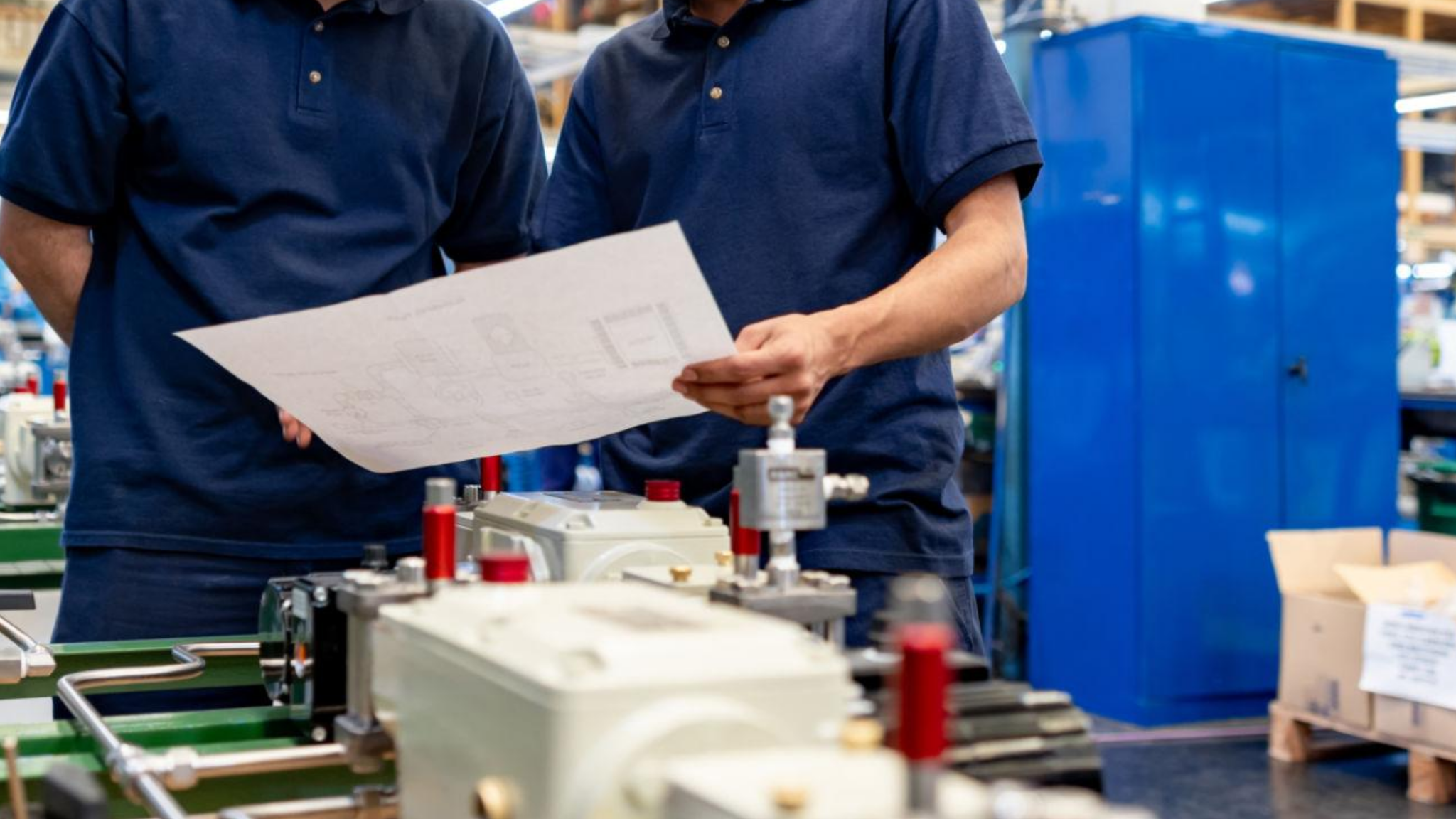
Consider a hypothetical manufacturer that produces modular equipment.
Engineering redesigns a mounting bracket. The CAD assembly is updated, the part number changes, and production is notified of the engineering change.
But the assembly manual still contains the original bracket illustration.
A technician opens the manual on a shared computer and follows the documented process. The new bracket does not fit the way the old one did.
Now the technician has to stop.
Someone from engineering has to explain the change, the assembler has to work out whether the rest of the documented sequence still applies, and quality often gets pulled in. If several units have already been assembled using the old process, the business also has to determine whether rework is necessary.
Engineering change management often involves more than modifying the engineering definition itself. Downstream manufacturing information, including work instructions, can also be affected.
That is why the relationship between engineering changes and assembly documentation matters.
The objective is not merely to revise a file. It is to make sure the instructions used during assembly represent the product and process that have actually been approved.
The consequences depend on the type of change, but the operational problems are familiar.
Wrong components: If a part number or component changes, an outdated instruction can direct someone toward the wrong part.
Incorrect assembly sequences: A design change may affect the order in which components need to be installed. Following an old sequence can create unnecessary disassembly or rework.
Production delays: When an assembler discovers that the manual does not match the product, production may stop while someone finds the correct information.
Training problems: New technicians often rely heavily on documented instructions. If those instructions conflict with current processes, training becomes inconsistent.
Quality issues: When different teams follow different revisions, the same product can be assembled in different ways.
Field installation problems: The issue does not necessarily end at the factory. Installation teams and field technicians can also encounter outdated documentation, particularly when printed manuals or locally stored PDFs remain in circulation.
The underlying problem is version accuracy: Can the person doing the work confidently access the instructions that apply to the product in front of them?
Updating a manual sounds straightforward until a manufacturer has dozens of products, multiple variants, several production locations, and teams working from different systems.
An instruction might exist as:
Now imagine a product change occurs.
Someone has to identify which documents are affected, make the revisions, get them approved, publish the new version, and make sure people stop using the old one.
This is where document control becomes an operational issue rather than simply a documentation issue.
ISO guidance on documented information recognizes the importance of controlling documented information and controlling changes to it.
The more disconnected the documentation process is from the people using the instructions, the harder it becomes to maintain consistency.
Real-time manual updates should not be interpreted as meaning that every engineering change automatically rewrites an assembly manual without human review.
In a manufacturing environment, changes still need to be evaluated. Someone needs to determine what changed, which instructions are affected, whether the assembly process has changed, and whether the revised content is accurate.
The value of real-time updates is the ability to update the approved instructions once and make the current version available without relying on a chain of outdated files and reprints.
That distinction matters.
A digital manual can give a manufacturer a controlled place to maintain its instructions while making the latest published version available across supported channels, whether that's web, mobile, tablet, or PDF, without a separate reprint or redistribution cycle for every change.
Digital work instructions are more than paper instructions displayed on a screen.
A well-designed digital instruction can combine step-by-step guidance, visual information, product models, warnings, and other information needed to complete a task.
This becomes especially useful when the assembly itself is difficult to communicate through static images.
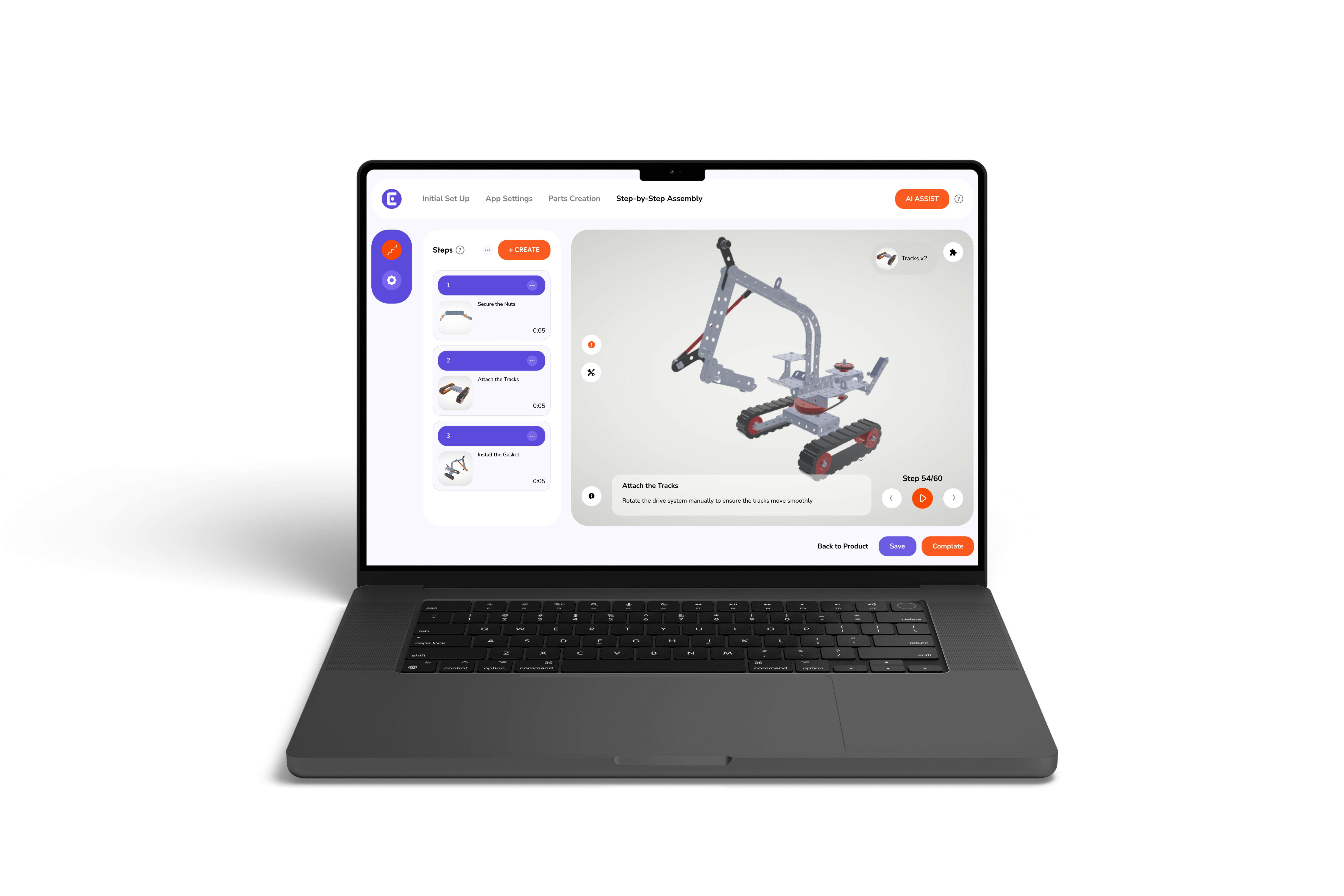
Easemble's step-by-step functionality, for example, supports focused assembly steps, animations, and warnings within individual steps.
For manufacturers, several capabilities can make documentation easier to maintain.
Centralized instructions: Instead of maintaining multiple disconnected copies, teams can work from a central source.
Digital access: Instructions can be accessed on supported devices instead of relying entirely on printed documentation.
Visual guidance: 3D instructions can help show relationships between components that are difficult to communicate through flat diagrams, letting a technician rotate, zoom, and inspect the model directly instead of interpreting it from a fixed angle.
Revision management: When a manual needs to change, the current version can be revised rather than creating another disconnected file.
Easier distribution: Digital publishing reduces the dependency on printing and manually replacing physical copies.
This does not eliminate the need for a proper engineering-change process. It makes the documentation side of that process easier to maintain and distribute.
Technology is only part of the solution. Manufacturers also need a clear process for managing changes.
A practical workflow can look like this:
This process creates an important connection between engineering change management and documentation management.
Easemble is designed around interactive assembly manuals and digital product instructions rather than simply storing static documents.
Its platform allows teams to create step-by-step interactive assembly manuals from 3D models, publish them across supported formats, and make revisions after publishing.
That makes it relevant to manufacturers dealing with a familiar documentation problem: the product changes, but the instructions need to change with it.
For example, a manufacturer could maintain an interactive assembly guide, revise the affected instructions when an approved product change requires it, and publish the updated content rather than relying exclusively on replacement paper manuals.
Easemble also supports PDF output for teams that still need printed or offline documentation, generating a new PDF version each time the underlying manual is updated.
The important point is that digital documentation should support the manufacturer's change process rather than exist as another disconnected document repository.
Manufacturing changes rarely happen in isolation.
A change to a component can affect the BOM, assembly sequence, tools, quality checks, training, installation process, and the instructions used by the people doing the work.
The risk appears when the product changes faster than its documentation.
That is why the goal should not simply be to produce assembly manuals. Manufacturers need a reliable way to keep instructions aligned with the current product and make approved updates available to the people who need them.
Digital work instructions can help close that gap by giving manufacturers a more centralized, visual, and updatable way to deliver assembly guidance.
The best documentation is not the manual that was correct when it was created.
It is the instruction the assembler can trust today.
Real-time manual updates refer to updating digital assembly instructions and making the approved version available quickly across the relevant publishing channels. It does not necessarily mean engineering changes automatically rewrite instructions without review.
Assembly manuals can become outdated because engineering changes, component revisions, and process updates may be managed separately from documentation. If the affected instruction is not identified and revised, teams can continue using an older version.
Manufacturers should identify affected instructions as part of the engineering-change process, assign documentation ownership, revise the affected steps, review the changes, publish the approved version, and remove or clearly supersede obsolete versions.
A revised PDF is still a static document, even if it is distributed digitally. Digital work instructions can provide interactive, step-by-step guidance and may be easier to revise and distribute through centralized publishing workflows.
There is no fixed schedule. Instructions should be revised whenever an approved engineering change affects a component, connection, tool, or sequence they describe. Products with frequent configuration changes or multiple variants typically need more frequent review than stable, single-configuration products.