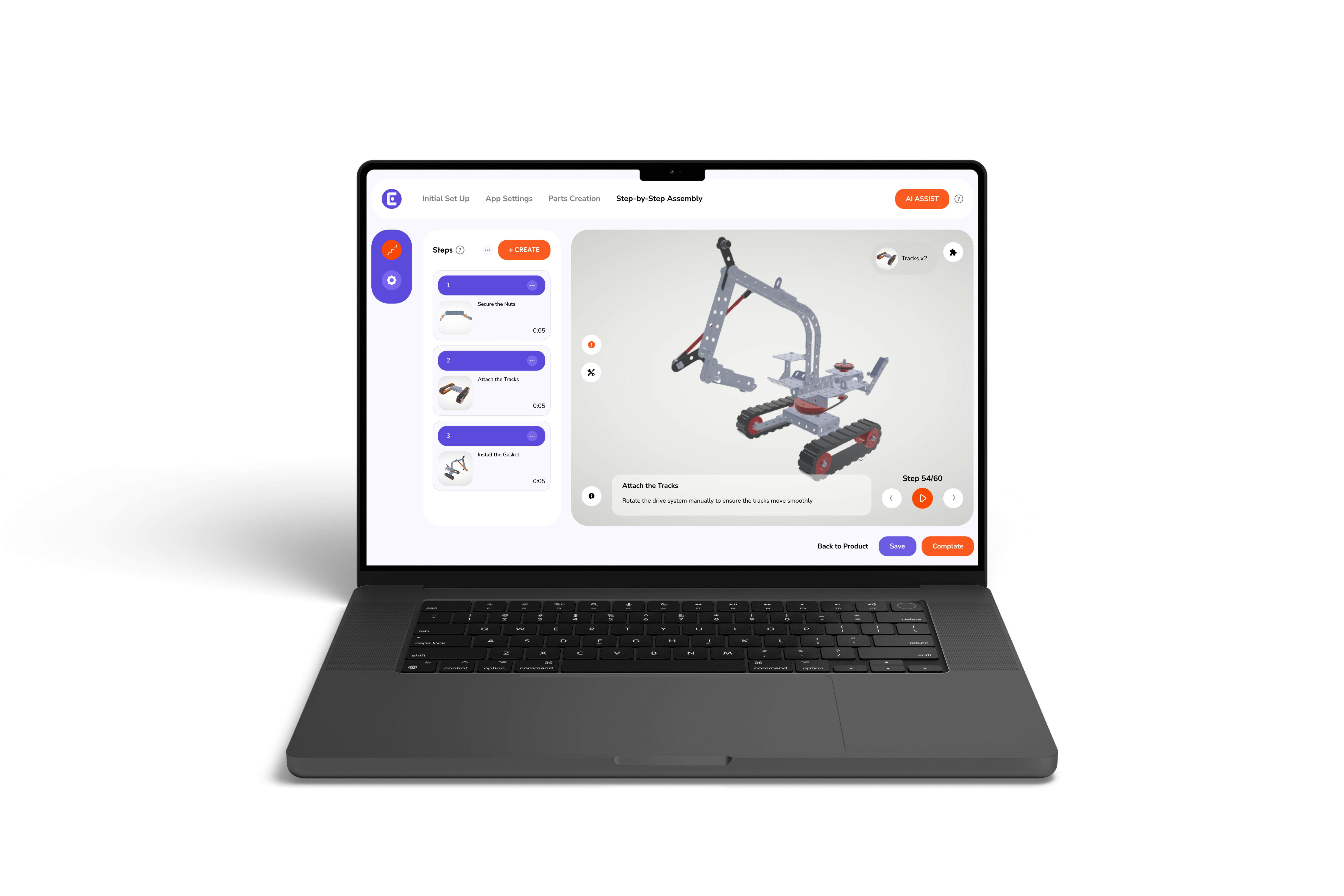
.png)

Going Live
Add Easemble
to your website
.svg)

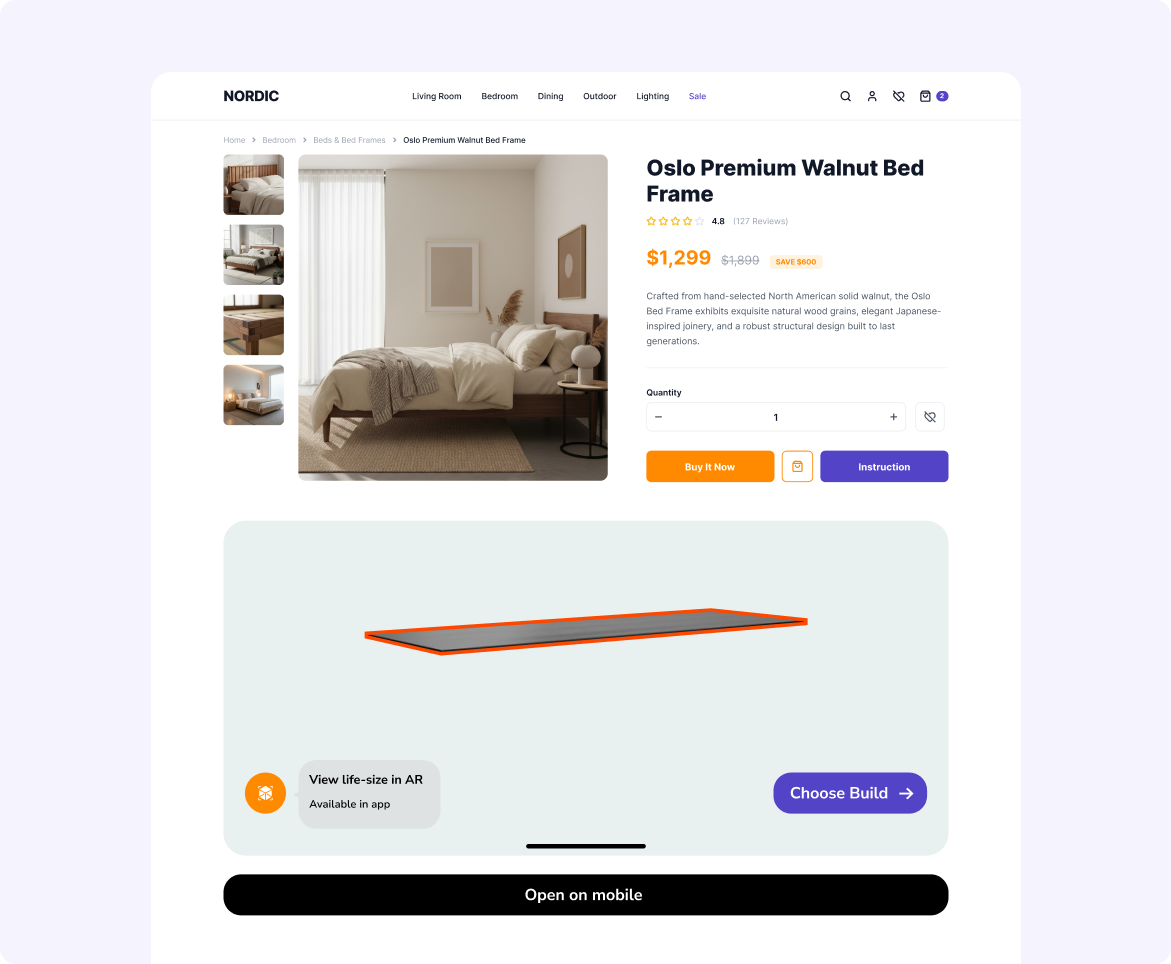
Add Easemble
to your packaging
.svg)
.svg)
.png)
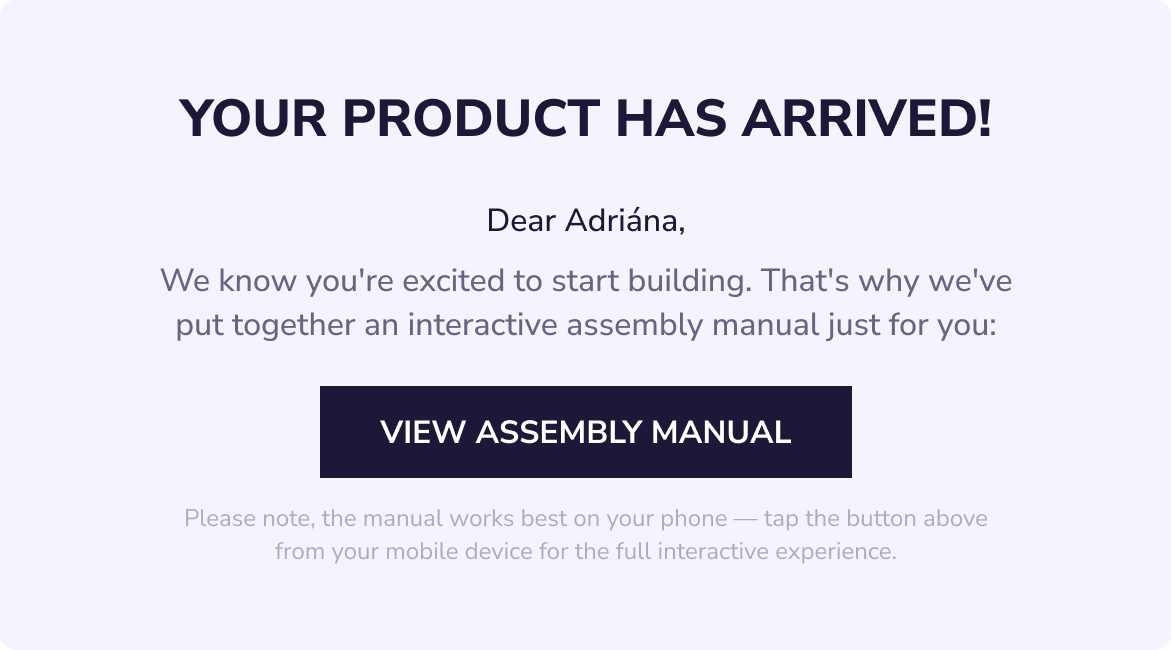
Add Easemble
to your checkout & marketing emails
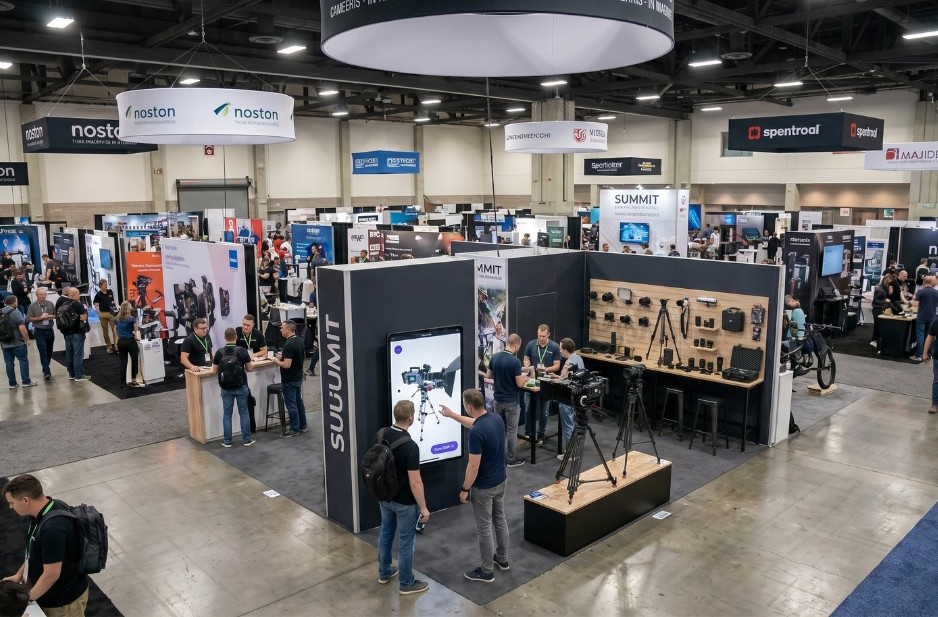
BRING EASEMBLE TO YOUR EXHIBITION BOOTH

Your questions, answered
You can share your interactive manual anywhere your customers interact with your brand, including your website, product pages, QR codes on packaging, marketing emails, order confirmations, in-store displays, exhibition kiosks, and direct links.
Yes. Simply copy and paste our embed code into your website to display the interactive manual directly on your product page without redirecting visitors.
Easemble automatically delivers the best experience for every device, opening in the browser on desktop and in the Easemble app on mobile (or prompting users to install the app if needed).
Yes. Every published manual includes its own QR code that you can print on packaging, manuals, labels, or marketing materials.
Yes. Every published manual includes its own QR code that you can print on packaging, manuals, labels, or marketing materials.
Yes. You can also generate a Creator QR Code that opens your complete product catalog, allowing customers to browse and select the product they need.
Absolutely. Display your interactive manuals on touchscreen kiosks or large displays so visitors can explore your products without needing physical samples.
Yes. Public manuals can be opened instantly by scanning a QR code or clicking a link—no login required.
Yes. Easemble provides detailed analytics, including manual views, completion rates, time spent, step-by-step engagement, drop-off points, and QR code scans.
Yes. Simply publish a new version in Easemble. Every existing link, embedded widget, and QR code will automatically display the latest version.