December 26, 2025
How to Make the Move to Paperless Work Instructions

.png)

If you manage processes, systems, or operational performance, you already know this problem. Instructions change, but paper does not. Printed manuals sit on the floor long after processes update. PDFs live in shared drives, but no one knows which version is correct. Over time, this gap creates errors, delays, and unnecessary rework.
That is where paperless work instructions become more than a digital upgrade. They become a control system. When done correctly, they align execution with current standards, reduce dependency on tribal knowledge, and give you visibility into how work actually happens.
In this blog, we will explore how to transition to paperless work instructions in a structured, low-risk manner, while improving consistency.
Paperless work instructions are task guides delivered through digital devices such as tablets, workstations, or mobile screens. They replace static pages with structured steps that guide users through tasks in sequence.
Unlike printed manuals, interactive work instructions adapt to the task flow. Users can zoom in, replay steps, or confirm completion before moving forward. This controlled flow reduces skipped steps and supports standard work. The transition From Paper to Pixels also enables faster updates without retraining entire teams.
Paper manuals struggle to support large, complex workflows. They work when processes rarely change, and teams remain stable. However, once product variants increase, staffing shifts occur, or compliance requirements tighten, paper becomes a liability.
Digital work instructions address this by centralizing updates and standardizing execution. When instructions live in one system, every user sees the same steps, in the same order, and at the same time. As a result, variation drops, and accountability improves. Moreover, supervisors no longer spend time verifying which document is in use, and teams spend less time correcting avoidable mistakes.
This is not theoretical. Companies adopting digital guidance report up to 30% fewer errors and 21% faster task execution compared to paper-based instructions.
At their core, paperless work instructions replace static documents with guided execution. Instead of asking operators to interpret text and diagrams, the system leads them step-by-step through the task.
Unlike PDFs, interactive work instructions respond to the user. They can reveal details only when needed, lock step order, or show alternate paths based on task conditions. This structure reduces skipped steps and supports standard work without increasing supervision.
This shift represents a broader move from paper to pixels, where instructions become active tools rather than passive references.
Not every process needs advanced visuals. However, certain conditions strongly benefit from digital formats:
In these cases, digital work instructions ensure alignment across shifts and sites. Instead of relying on experience alone, operators receive consistent guidance that reflects current standards.
A controlled transition prevents resistance and productivity loss.
Start by reviewing existing documents. Identify steps that cause confusion, require verbal clarification, or depend on experience. Remove unnecessary details and rewrite unclear actions. This ensures paperless work instructions are built on clean, reliable content.
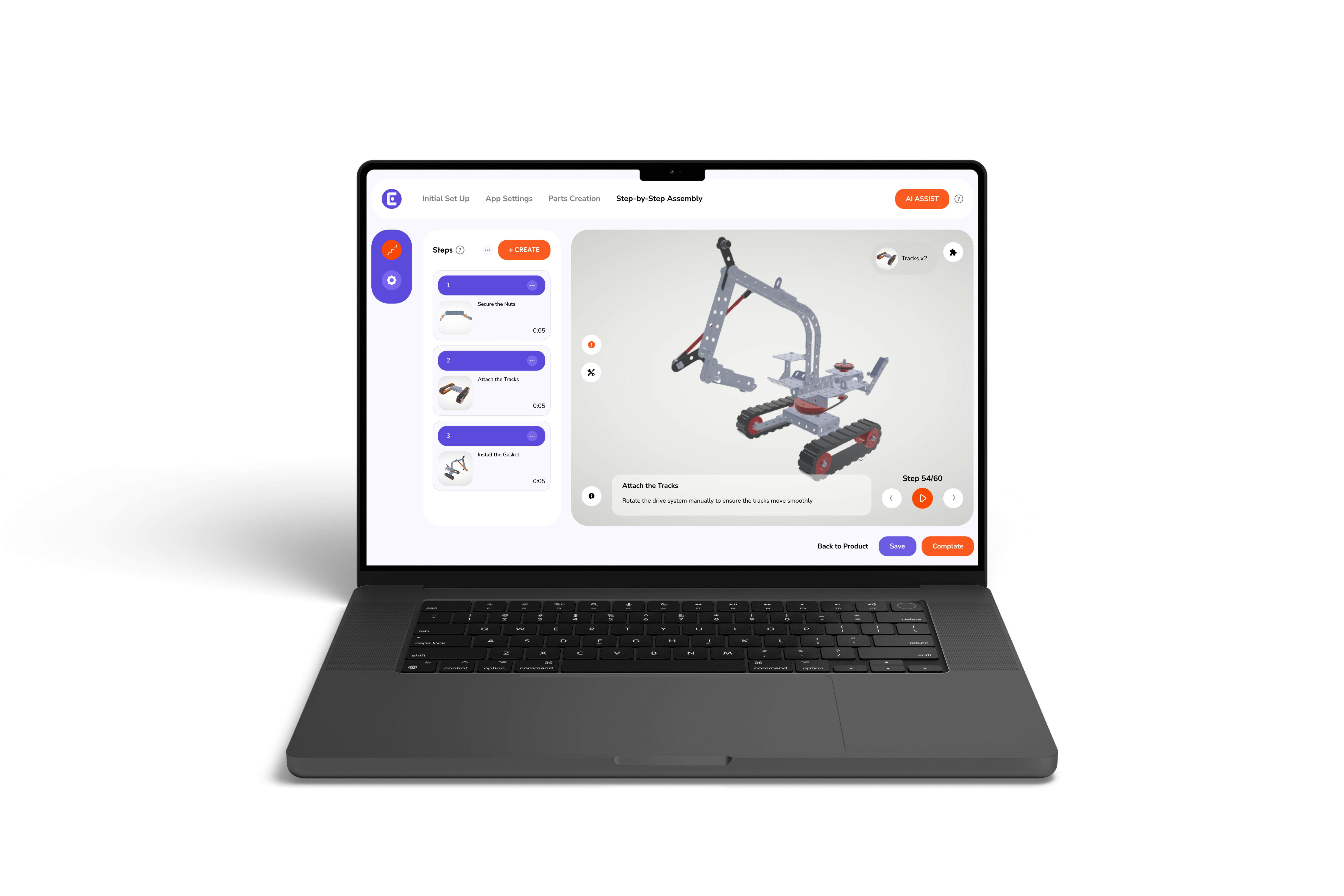
Text and images work for simple, linear tasks. However, spatial or sequence-critical tasks benefit from 3D interactive instructions. When orientation, movement, or part relationships matter, animated 3D guides reduce interpretation errors and speed execution.
Effective assembly manual software must do more than display steps. It should manage versions, support structured workflows, and allow controlled updates. Working with a digital assembly solutions provider ensures scalability, governance, and long-term system reliability.
Test instructions in real conditions. Track completion time, error rates, and operator feedback. Because paperless work instructions are editable, adjustments happen without halting production. This feedback loop protects throughput while improving accuracy.
Traditional manuals rely on memory, page flipping, and interpretation. Digital formats guide users step-by-step, reducing reliance on experience alone.
They allow operators to rotate, zoom, and follow animated 3D guides that reduce errors, improve task consistency, and speed up onboarding.
Yes. Unlike paper manuals, updates can be made in real-time across all devices, ensuring teams always follow the latest procedures.
Teams managing complex assemblies, frequent process changes, multiple locations, or KPI-based performance tracking gain the most value from digital and interactive instructions.