November 20, 2026
How Interactive 3D Instructions Can Improve Knowledge Retention in Employee Training
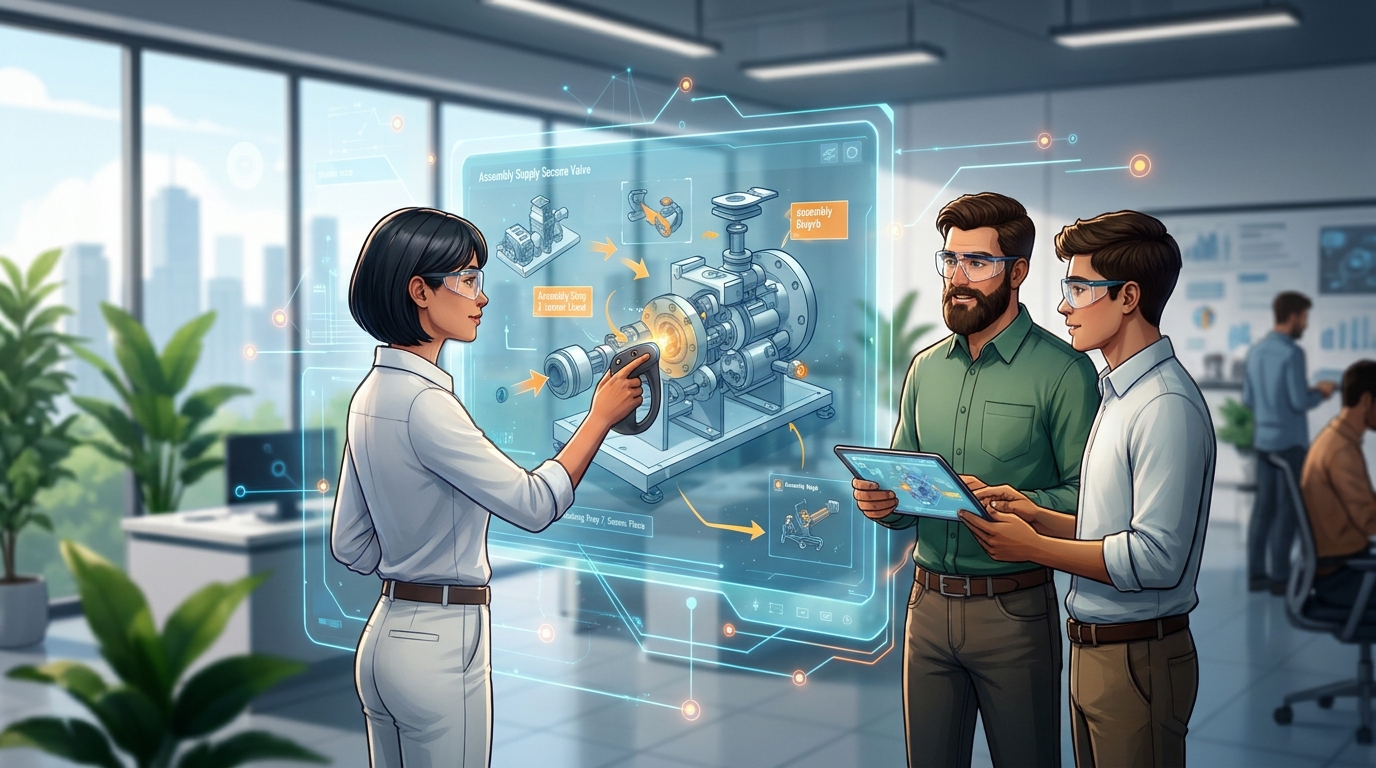


Interactive 3D instructions improve employee knowledge retention by turning passive reading into active, hands-on learning. When workers can physically rotate, zoom, and manipulate a digital model on a screen, they engage their spatial memory and begin building muscle memory before ever touching the physical product. This interactive process drastically lowers the mental effort required to figure out complex tasks. As a result, new hires absorb the information faster, remember exact procedures much longer, and make significantly fewer errors on the factory floor.
Have you ever watched a new hire stare blankly at a dusty training manual, trying to figure out where a specific screw goes?
It’s a common scene on the manufacturing floor. Training new staff takes a lot of time and resources, and relying on static paper guides usually slows the whole process down.
People easily get confused by flat drawings, and they often forget crucial safety steps the moment they close the book.
You need a better way to get your team up to speed. Today, 3D training instructions are stepping in to fix this problem. By trading static pages for controllable digital models, your staff gets to learn through active, hands-on practice. It turns out that visual learning in the workplace doesn't just help people catch on faster, it actually helps them remember the steps long after training is over.
Let’s break down exactly how digital visual tools are changing the way we train.
Flat paper guides have one major flaw: they completely lack depth. A worker looking at a 2D drawing can't see the hidden components on the back of a machine. They have to guess how the physical pieces are supposed to fit together in the real world.
This constant guessing game is exhausting. When people get mentally tired, they start making very expensive mistakes. On top of that, paper manuals get torn, smeared with grease, or lost entirely. When a worker needs to double-check a step, thumbing through a 100-page book takes way too long, which slows down the whole production line.
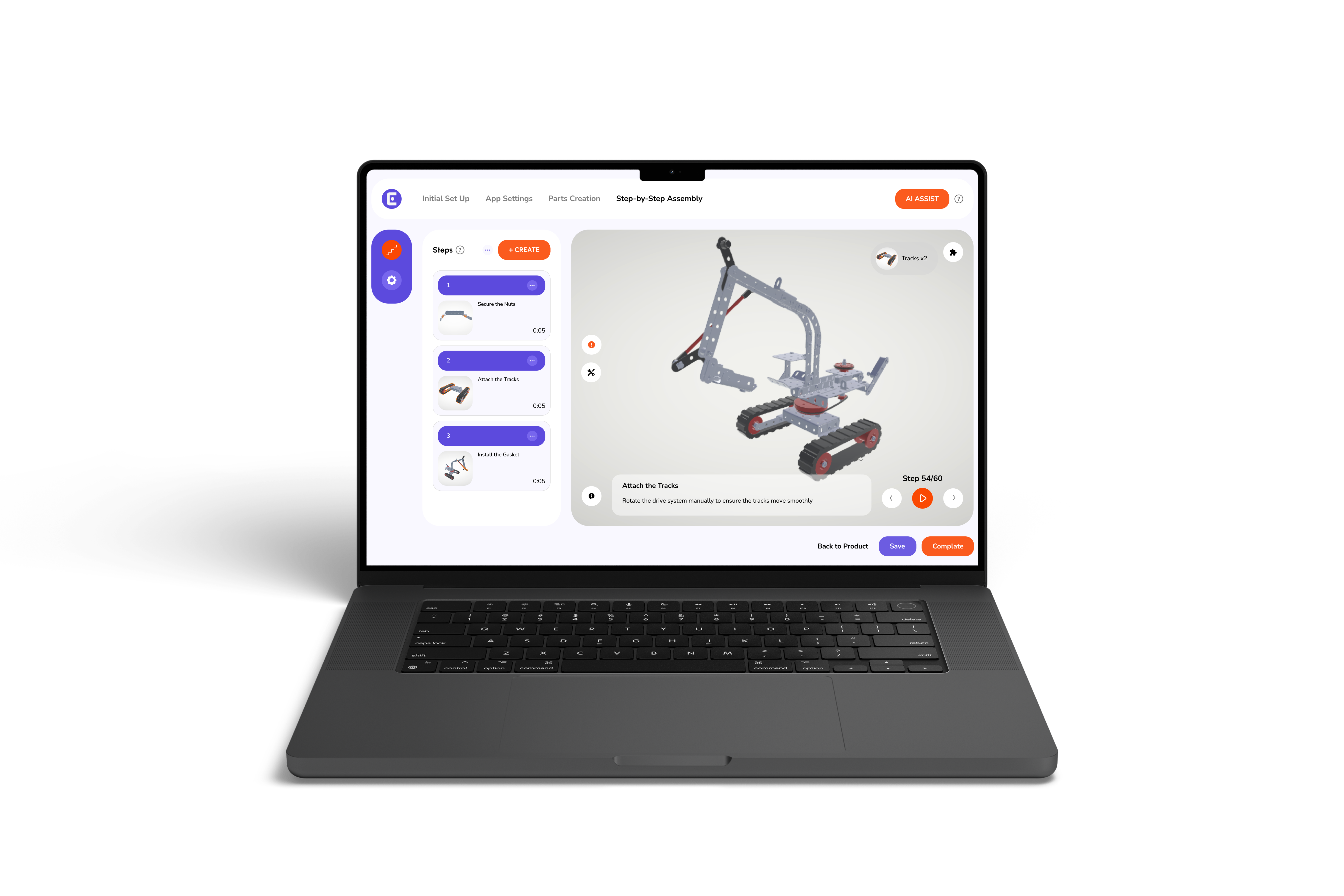
Think of them as digital models you can actually play with. Instead of handing someone a booklet, you give them a tablet. When they pull up the guide, they can spin the object around, zoom in on tiny details, and view the assembly from any angle they want.
There's no more guessing involved. 3D work instructions clarify complex tasks by showing exactly how different parts snap together. The software even uses quick animations to demonstrate precise physical movements. It makes the entire assembly process incredibly obvious, even for someone stepping onto the floor for the first time.
Our brains are naturally wired to process visuals a lot faster than text. We hold onto spatial information really well. Modern interactive tools take full advantage of this. When a worker watches a digital part slide into place on a screen, their brain easily maps out how to recreate that exact motion with their own hands.
This builds accurate muscle memory in record time. Visual cues also do a great job of bypassing language barriers, which is a huge plus for diverse teams. When you lean into visual learning in the workplace, you're helping people remember physical tasks for much longer periods.
Passive reading is a fast track to forgetting. Active interaction, on the other hand, builds strong connections in the brain. Because workers have to physically tap, drag, and rotate the digital parts to move through the guide, they stay completely focused on the task at hand.
Because of this active engagement, employee training retention naturally goes up. Interactive training materials keep the mind stimulated, meaning your team actually retains the procedural knowledge they need for tomorrow's shift.
Most assembly errors happen simply because the written instructions were confusing. 3D guides wipe out that ambiguity right away. A user can clearly see exactly which slot a wire belongs in.
Once you see it in action, how 3D assembly instructions enhance training and reduce errors becomes pretty obvious. Workers get it right on the very first try. This drastically drops the defect rate for manufacturing companies, meaning managers spend way less time dealing with broken or misassembled products. Better training directly equals better product quality.
Updating paper manuals is an expensive headache. If an engineer makes a slight change to a product design, you have to reprint and ship entirely new booklets.
With digital guides, updates happen instantly across the whole company. You just upload the new file, and every tablet on the floor syncs up. It’s easy to see why interactive work instructions: a smarter alternative to manuals is becoming the industry standard. It keeps your manufacturing employee training perfectly accurate while saving you a fortune in printing costs.
One of the best features of this software is how it handles pacing. Instead of showing a cluttered picture with twenty different arrows, it isolates just the parts needed for the current step.
It highlights the exact connection points clearly, so the user never feels overwhelmed. Providing genuine Step-by-Step Assembly Instructions seriously speeds up the learning curve. If someone gets confused, they can just replay that single step until they feel confident enough to move forward.
Companies that make the switch usually notice massive production gains pretty fast. The average time it takes to train a new worker drops by hours, and the number of questions managers get on the floor falls sharply.
When you upgrade your tools, your manufacturing employee training improves in three very specific ways:
Cognitive load is just a fancy term for how hard your brain has to work to process information. Trying to read a dense paragraph and picture a 3D object in your head requires a massive amount of mental effort.
Traditional manuals cause high cognitive load. 3D models do all that heavy spatial thinking for the user. Because the mental strain is gone, the worker can just focus on the physical movement. This is a core trick for getting people to learn complex mechanical tasks faster.
Modern factory floors are diverse, and translating paper manuals into five different languages is a logistical nightmare.
Thankfully, 3D software comes with built-in text translation tools. A worker can just select their preferred language from a drop-down menu. Better yet, the visual animations don't require any translation at all. This ensures that your entire international team is learning from the exact same baseline of quality.
Videos are definitely a step up from paper, but they still lack control. A video plays at a fixed speed, and if a worker misses a quick step, they have to awkwardly rewind and search for the right timestamp.
Plus, a video only gives you one camera angle. If a worker's hand blocks the view in the video, you're out of luck. 3D models let the user control the camera entirely, letting them peek behind components to see exactly what’s happening.
Letting people learn at their own speed is crucial for long-term memory. Everyone absorbs information differently.
3D guides let workers dictate the pace of the workflow. They only click "next" when they are totally done with a step.
Nobody feels rushed by a ticking video or an impatient trainer. They can spend ten minutes spinning a model if that's what it takes to understand it. This builds deep confidence, and confident workers make fewer mistakes.
A lot of managers hesitate because they assume 3D tools require a degree in coding or animation. The truth is, apps like easemble make it super simple.
You just upload the 3D CAD files your engineering team already has. From there, you use a simple drag-and-drop interface to build the steps. Once you hit publish, the guide is instantly available on the cloud for your team to use. It’s fast, visual, and highly intuitive.
If you're wondering about the ROI, let's look at how the two methods stack up financially:
Digital tools win out on every major metric. You eliminate heavy printing costs while saving money on the floor by catching and reducing product defects early.
Making the transition is much easier than you might think. Start by grabbing a few existing 3D product files from your design team. Pick a reliable software platform and run a pilot test on just one simple product.
You can measure the training results early on. Once you see the drop in assembly time and error rates, you can easily roll the system out for your entire product line.
Relying on old paper manuals is costing you time and money. They cause unnecessary errors and slow down the onboarding process for new hires. By bringing interactive 3D instruction manuals onto the floor, you give your team the instant visual clarity they actually need.
People simply learn faster when they can see exactly what to do. Switching to visual learning in the workplace improves safety immediately. It boosts confidence and helps your staff remember their training.. Try using a platform like Easemble to create your new digital guides. You will see the difference in your manufacturing employee training right away.
What exactly are 3D training instructions?
They are digital, interactive assembly models built for tablets and phones, replacing static drawings with controllable visual aids.
How do they improve memory retention?
Workers actively engage with a model by spinning and zooming. They build stronger spatial awareness and muscle memory than reading text.
Do I need an IT team to create these guides?
Not at all. Modern platforms are designed to be user-friendly, requiring zero coding or 3D animation skills to set up.
Why are they better than standard video tutorials?
Videos force users to watch at a set speed from a single angle. 3D models give the user total control over the pacing and the camera view.
Will Easemble help with language barriers on the floor?
Yes, the visual animations require no translation. The software also includes easy built-in text translation for any written steps.