.png)


Explore
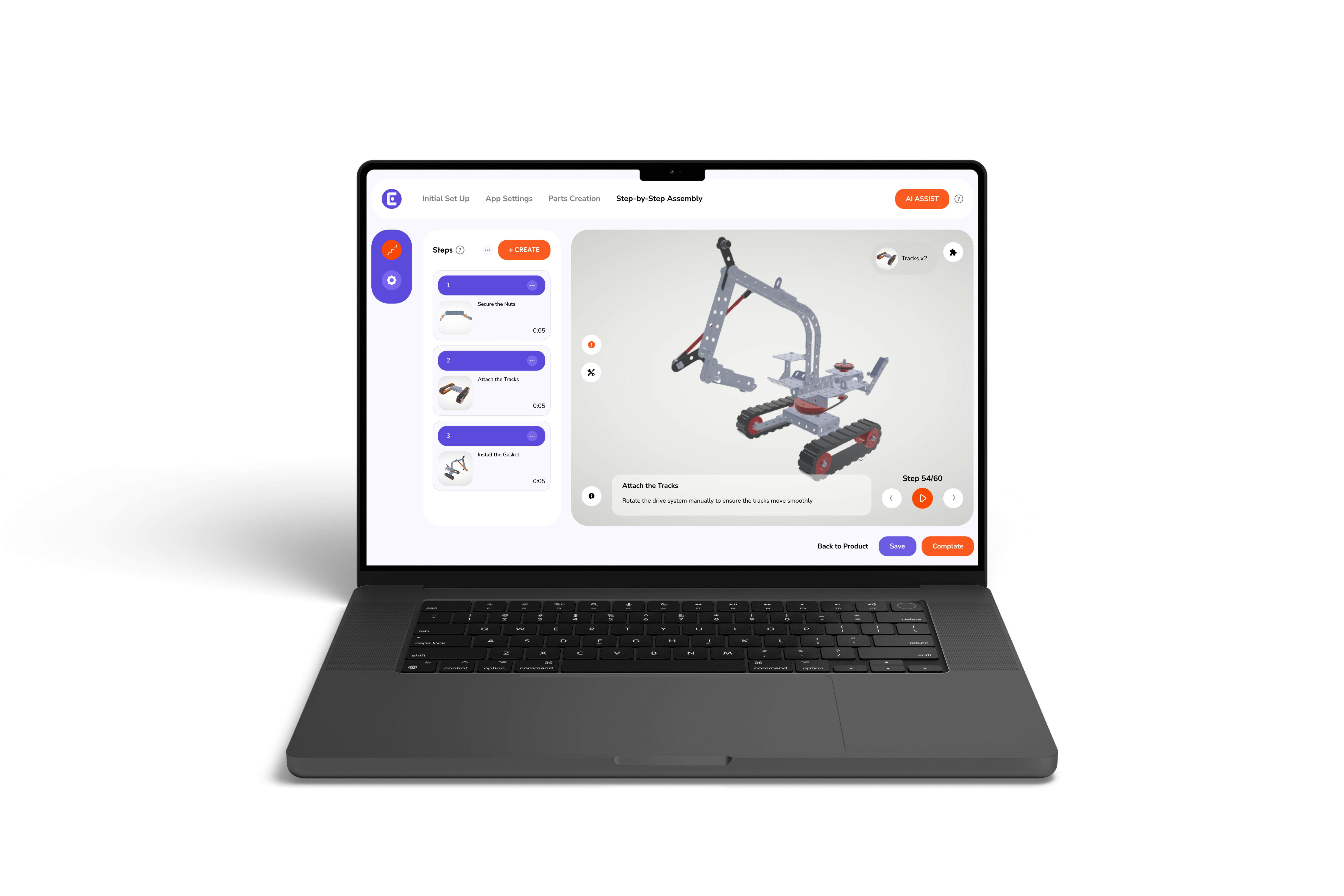
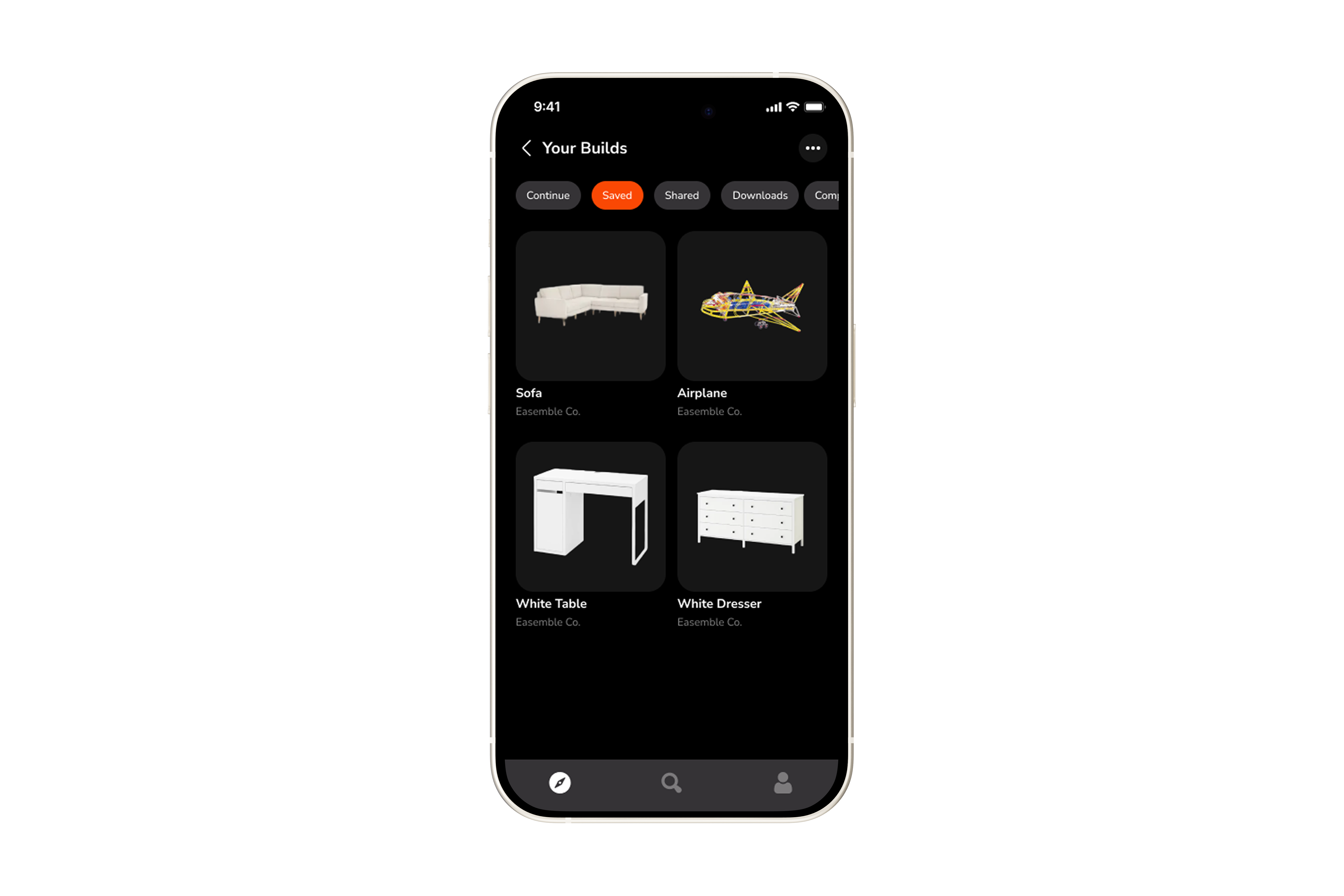
Explore is a built-in feature of the Easemble™ app
It recommends relevant builds and products to keep users engaged and drive continuous discovery.
.png)
.png)
FAQs
What is Explore?
Explore is a built-in feature that lets users discover products, interactive assemblies, and recommended builds in one place.
How are builds recommended to users?
Recommendations are based on user activity, such as viewed products, assemblies, and interactions, helping surface relevant content.
How does Explore help increase engagement?
By continuously suggesting relevant builds and products, users stay engaged and are guided to what to do next.
Can Explore help with cross-selling?
Yes, it recommends related products and assemblies, helping users discover additional items and increasing cross-selling opportunities.