September 25, 2026
Barcode vs. QR: Which Fits Your Assembly Manual?
.png)

Quick Answer: QR codes are the better choice for a digital assembly manual. They scan instantly with a standard phone camera, encode the full manual link directly, and support dynamic updates after printing, so content can change without a reprint. Barcodes still suit internal inventory and point-of-sale scanning, but they add friction and offer no analytics for customer-facing instructions.
Somewhere between finalizing a product design and sending it off for packaging, someone on the team has to answer a deceptively simple question: how does the customer get from the box to the manual? A barcode and a QR code can both do that job on paper. In practice, they were built for different purposes, and picking the wrong one shows up later as support tickets, confused customers, and packaging that has to be redone mid-run.
Barcodes grew out of retail and inventory scanning. QR codes grew out of a need to hand information directly to a person, not a checkout system. Once you're routing someone from packaging to a set of assembly instructions, that history plays a more important role than you might think . It affects how easily a customer reaches the manual, how much your operations team can adjust after printing, and what happens when a product line splits into five SKUs instead of one.
Here's how to think through the decision.
A traditional barcode, the kind used at checkout for decades, stores a short numeric string as a series of parallel lines. It's usually an SKU or product ID, nothing more. Reading it reliably, requires a dedicated scanner or a barcode-specific app, since it wasn't designed with a general smartphone camera in mind.
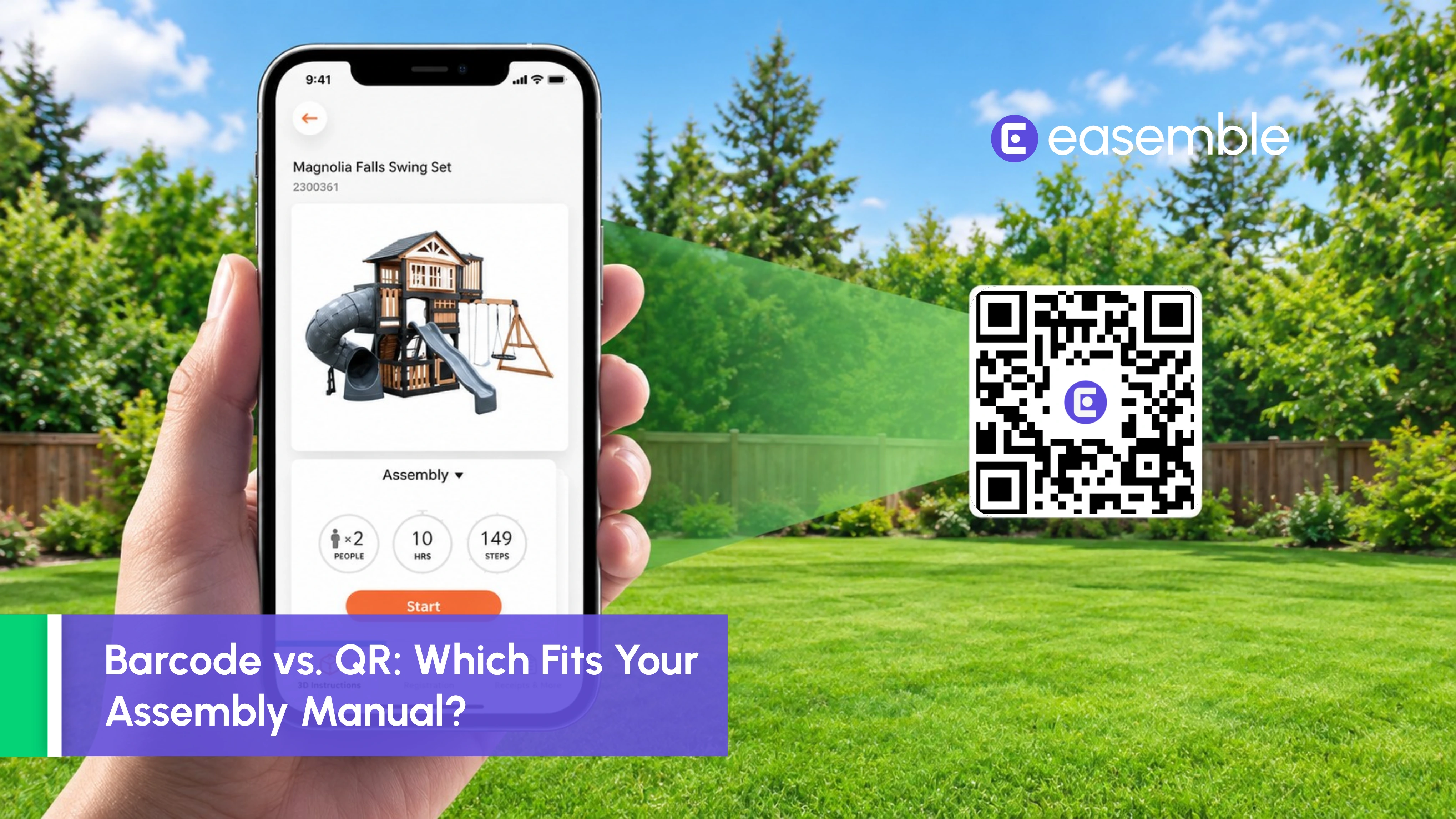
A QR code works differently. It's a two-dimensional code that stores data in a grid instead of a line, which lets it hold far more information than a standard 1D barcode, a point GS1 US covers in its technical breakdown of QR code structure. More importantly for this comparison, it's readable by the default camera app on almost any modern phone. No specialized hardware, no separate download.
Both codes can technically point to a digital manual. The real question is which one gets a customer there with the least friction, and that's where the two start to diverge.
Set aside inventory tracking for a moment. If the goal is customer access to instructions, here's where the two formats actually differ.
Scanning is the first and most obvious gap. Most native camera apps aren't tuned to recognize 1D barcodes, so a customer trying to scan one often ends up with a blank stare at their phone. QR codes were built for exactly this kind of interaction, allowing customers to scan and access the content directly from their phone’s camera.
Capacity is the gap. A barcode typically holds a short identifier that then needs a database lookup somewhere behind the scenes. A QR code can encode the full URL itself, so the scan and the destination happen in one step instead of two.
Then there's what happens after the code is printed. A barcode's identifier is fixed, and whatever it points to depends on backend systems most packaging teams don't touch directly. A QR code built on a dynamic link can be redirected to updated content without changing anything on the physical package. That's a meaningful difference once instructions get revised after a print run has already shipped.
Placement matters too, though it cuts both ways. Barcodes are compact and easy to squeeze onto small labels, which is part of why they've stuck around for logistics. QR codes need slightly more contrast and clear space, but most modern packaging has no trouble accommodating that on a box, insert, or label.
Analytics is where the gap becomes hard to ignore. Barcode scans at checkout or in a warehouse get logged by retail or logistics systems, not by the manufacturer. A QR code built for customer-facing content can be tied to scan analytics, showing product and operations teams whether people are actually reaching the manual, and when.
For anyone managing more than one SKU, there's the question of scale. Adding a new variant with a barcode means updating a database record somewhere and hoping nothing else breaks. Doing the same with a QR code tied to a management platform is closer to flipping a switch.
None of this means barcodes are obsolete. If a barcode already exists for warehouse tracking or point-of-sale scanning, and the goal is internal traceability rather than customer engagement, leave it alone. It's cheap to print, compact, and deeply woven into retail and logistics systems that aren't going anywhere soon.
Barcodes also hold up well when the person scanning is an employee with dedicated hardware, not a customer with a personal phone. A warehouse associate checking inbound stock doesn't need a QR code's flexibility. They need speed and consistency, which is exactly what a barcode gives them.
Where it stops working is the handoff to a customer. Asking someone to scan a barcode with a personal phone to reach an assembly manual is asking them to do something the format was never built for.
If the person scanning is a customer, not an employee, a QR-based assembly manual is almost always the better fit. There's no app to find, no scanner to dig out of a drawer. Point the camera, tap the link, land on the instructions.
This matters most for products where assembly instructions aren't trivial: furniture, modular construction components, sporting and recreation equipment, industrial gear, consumer electronics. Anywhere a customer might otherwise dig through a website or call support just to find the right manual, a QR code shortens that path to a single scan.
It also solves a real packaging headache: managing variants. Each SKU can carry its own code pointing to its own manual, and if instructions need updating after a print run has already gone out, the destination can change without reprinting a single label. A printed manual that's gone stale is a support problem waiting to happen. A QR code sidesteps that entirely.
Then there’s a customer experience angle : Landing on clear instructions the moment you scan, instead of a generic homepage or a search bar, changes how the whole assembly experience feels. Friction at that first step tends to show up later as a support call.
Run through these before locking in a packaging and access strategy:
If most of these point toward customer access, variant management, or a need to update content after printing, a QR-based assembly manual is the practical answer.
Picking QR over barcode only solves the first half of the problem. What the customer sees after the scan matters just as much.
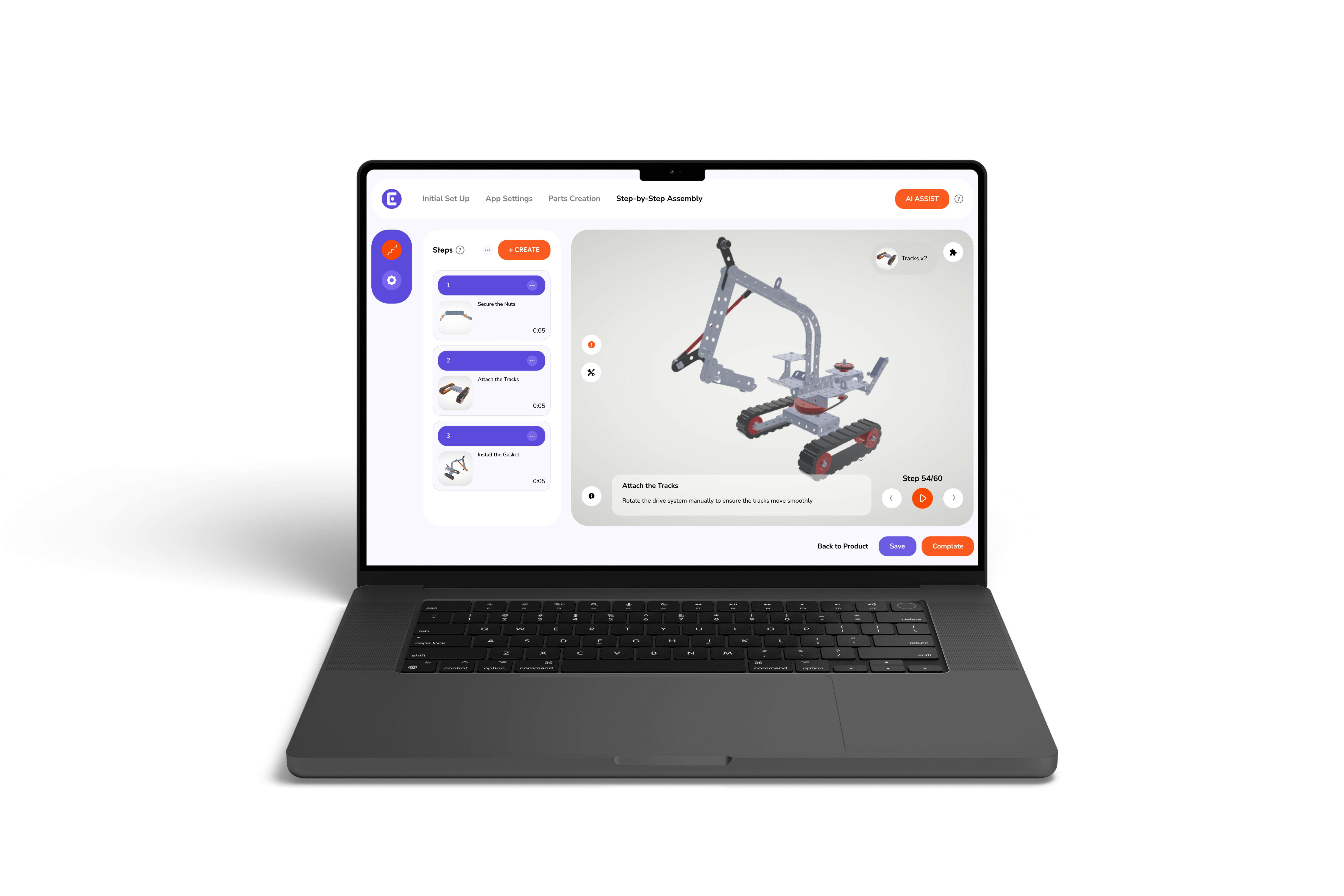
Easemble is built around that second half. A customer scans a code and lands directly on an interactive assembly experience rather than a static PDF buried in a downloads folder. Every product built on the platform gets its own QR code that can go on packaging or be shared digitally, and because the destination is managed centrally, instructions can be updated without touching the printed code at all.
For teams juggling several product lines, this removes a real operational headache: each SKU carries its own code without adding extra work per variant, and there's no need to reprint anything when a step changes.
None of this asks a manufacturer to give up barcodes where they're still useful internally. It just means the part customers actually see runs on the format built for that job.
Barcodes and QR codes were never really competing for the same role, even though packaging decisions sometimes treat them that way. Barcodes still do inventory and retail scanning well. QR codes do the job of getting a customer from packaging to a digital manual with the least possible friction. If the decision in front of you is about customer access to instructions, a QR-based assembly manual is the practical default, and the barcode scanning feature already running in your warehouse or at checkout can keep doing exactly what it's good at.
It can, in theory, but it usually requires a backend lookup and a compatible scanner. A QR code skips that step by encoding the destination URL directly, and it opens with a standard phone camera.
No. Nearly every modern smartphone can scan a QR code through its default camera app, which is a big part of why QR codes create less friction than barcodes for customer-facing content.
Yes, and many manufacturers already do this. A barcode handles internal inventory and logistics while a QR code handles customer access to instructions. They're serving two different audiences, so there's no conflict.
As long as the QR code encodes a dynamic link, the content it points to can be updated without reprinting anything. The same printed code keeps working even after the instructions behind it change.
Printing costs are roughly the same. The real cost difference comes down to whether codes are being generated and managed manually or through a platform built to automate that process. Setup effort, not the code itself, is usually the bigger factor.
Both can wear down over time, but QR codes include built-in error correction, so a partially damaged code often still scans successfully. That gives them a practical edge once packaging goes through real shipping and handling.