November 11, 2025
Assemble Kitchen Cabinets Easily with 3D Interactive Instructions

.png)

Setting up a dream kitchen may seem all fun and exciting until you open a box full of hardware, panels, and tiny screws, and everything just goes upside down. But with an appropriate approach and modern digital tools, you can now assemble kitchen cabinets with clarity and efficiency. However, if you want a fun and smooth process for DIY kitchen cabinet installation, let's elevate your home aesthetics together. Whether you're remodeling your kitchen or starting anew, understanding the fundamentals of kitchen cabinet assembly is vital for crafting a stunning and practical environment.
In this blog, we'll explore how to assemble kitchen cabinets using 3D instructions, why it's easier than ever before, and how digital assembly tools are redefining the way homeowners and installers work. Instead of flipping through unclear paper manuals, a 3D interactive guide lets you visualize every step in real time.
So, we've all been here; ever tried setting up furniture? We know the frustration of missing out on screws, vague diagrams, and confusing steps. It's no wonder many people say, “Why do we hate assembling furniture so much?”
This is because we have all been familiar with traditional instruction booklets that leave us shaking our heads. However, traditional booklets are flat, technical, and hard to follow, especially when you're trying to align multiple panels or hidden fasteners. At some points, you might also feel like, "Why bed assembly feels like a puzzle?”
Whether it's a bed frame or a cabinet, unclear visuals and small-print directions turn an exciting DIY project into a stressful chore. Fortunately, with new technology, you now have an easier solution: 3D interactive manuals for furniture that bring your assembly process to life.
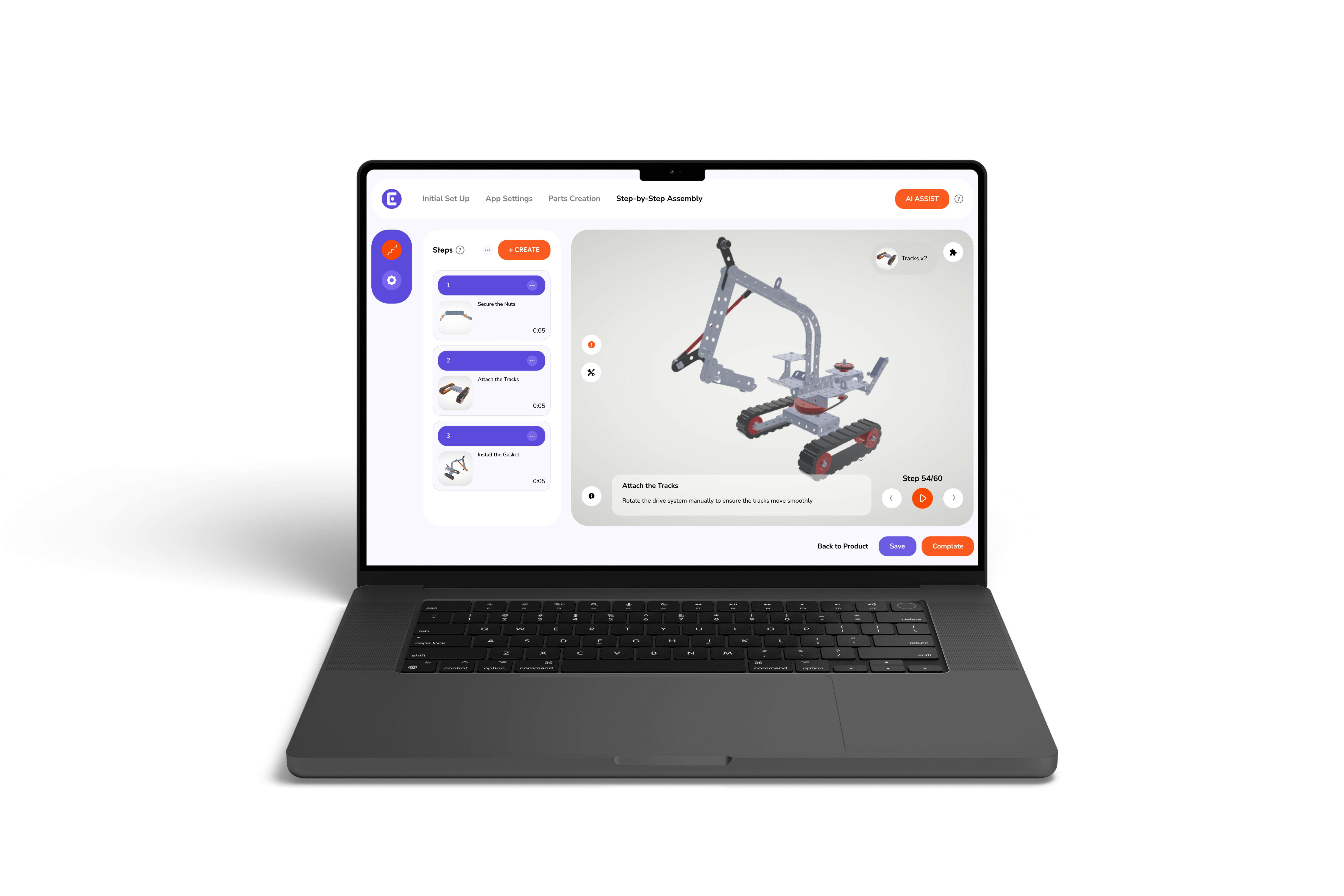
Today's homeowners and professionals have access to 3D tools that make it easier to assemble kitchen cabinets with accuracy. However, a 3D guide for kitchen cabinet assembly provides step-by-step visuals, showing how each panel, hinge, or drawer connects. Unlike traditional manuals, these 3D visuals allow you to rotate the model, zoom in on parts, and see animations of screws being fastened or doors being aligned. As a result, you are now able to assemble kitchen cabinets efficiently, without second-guessing each move. Moreover, the key advantage of this digital approach lies in how easy it is to correct mistakes before they happen. Furthermore, by previewing each action visually, you're able to spot alignment errors early and save hours of rework later.
If you're wondering how to assemble kitchen cabinets at home or during a renovation, follow these simple steps powered by modern 3D visualization technology.
Start by unpacking all cabinet parts, frames, panels, doors, hinges, and screws. Organize them by size and type. However, you would need assemble kitchen cabinets 3D guide to view a virtual image of each part, so you know exactly what goes where before you start.
The base is the backbone of your cabinets. Use your 3D visual guide for installing kitchen cabinets to assemble the frame pieces in the right sequence. You can rotate the model and double-check every step for proper fitting and stability.
When you assemble kitchen cabinets, ensuring perfect alignment between panels is crucial. Your 3D guide will display animated alignment arrows, showing exactly where each panel connects. This prevents uneven edges or gaps, giving your setup a professional finish.
Once the structure is stable, attach the doors and hinges as directed in your kitchen cabinet assembly 3D instructions. The guide shows real-time animations of hinge placements and screw depth, helping you avoid overtightening or misalignment.
Attach drawer slides and handles by following the exact 3D motion shown in your manual. This feature ensures that every drawer glides smoothly and fits snugly inside its compartment.
Now that your base and upper cabinets are ready, use your DIY kitchen cabinet installation guide to mount them safely. The 3D visual will help you measure wall alignment, height, and spacing accurately to create a clean, balanced look.
Once mounted, do a final inspection to check for any uneven doors or wobbly sections. Adjust hinges and handles as shown in your 3D interactive manual for a flawless finish.
{{furniture}}
Traditional furniture assembly instructions often lead to stress. However, many of us have experienced frustrating things about furniture assembly, like unclear illustrations or missing contexts. However, with kitchen cabinet assembly 3D instructions, you can change this approach completely. Therefore, when you assemble kitchen cabinets using 3D visuals, you're not just reading; you're interacting. Moreover, this is how you can see exactly what each screw or panel does, how it fits, and where it should be placed. Furthermore, this visual clarity removes confusion and encourages confidence to take action on your own, even if you are doing this for the first time.
Here's why 3D instructions are transforming the way people assemble kitchen cabinets today:
DIY culture is on the rise. People love personalizing their homes, and DIY cabinet installation is one of the most rewarding projects. With digital tools, you don't need years of experience with carpentry. Moreover, a 3D visual guide for installing kitchen cabinets shows every move in detail, letting you work confidently at your own pace.
Whether you're upgrading your kitchen or doing a full remodel, learning to assemble kitchen cabinets using interactive 3D instructions helps you master the process without professional assistance, saving both time and money.
{{furniture}}
Assembling furniture doesn't have to be a frustrating task anymore. With modern technology, you can now assemble kitchen cabinets easily, efficiently, and without frustration. Using a 3D interactive manual for furniture means no more guessing which screw goes where or flipping through endless pages of unclear diagrams.
A digital assembly solutions provider ensures that each project, whether it's a full kitchen cabinet setup or a single wall unit, comes with intuitive, visual, and user-friendly guidance. So, next time you're ready to assemble kitchen cabinets, let 3D innovation lead the way.