.png)


PDF Manuals
Transform Your Interactive Manuals into Downloadable PDFs
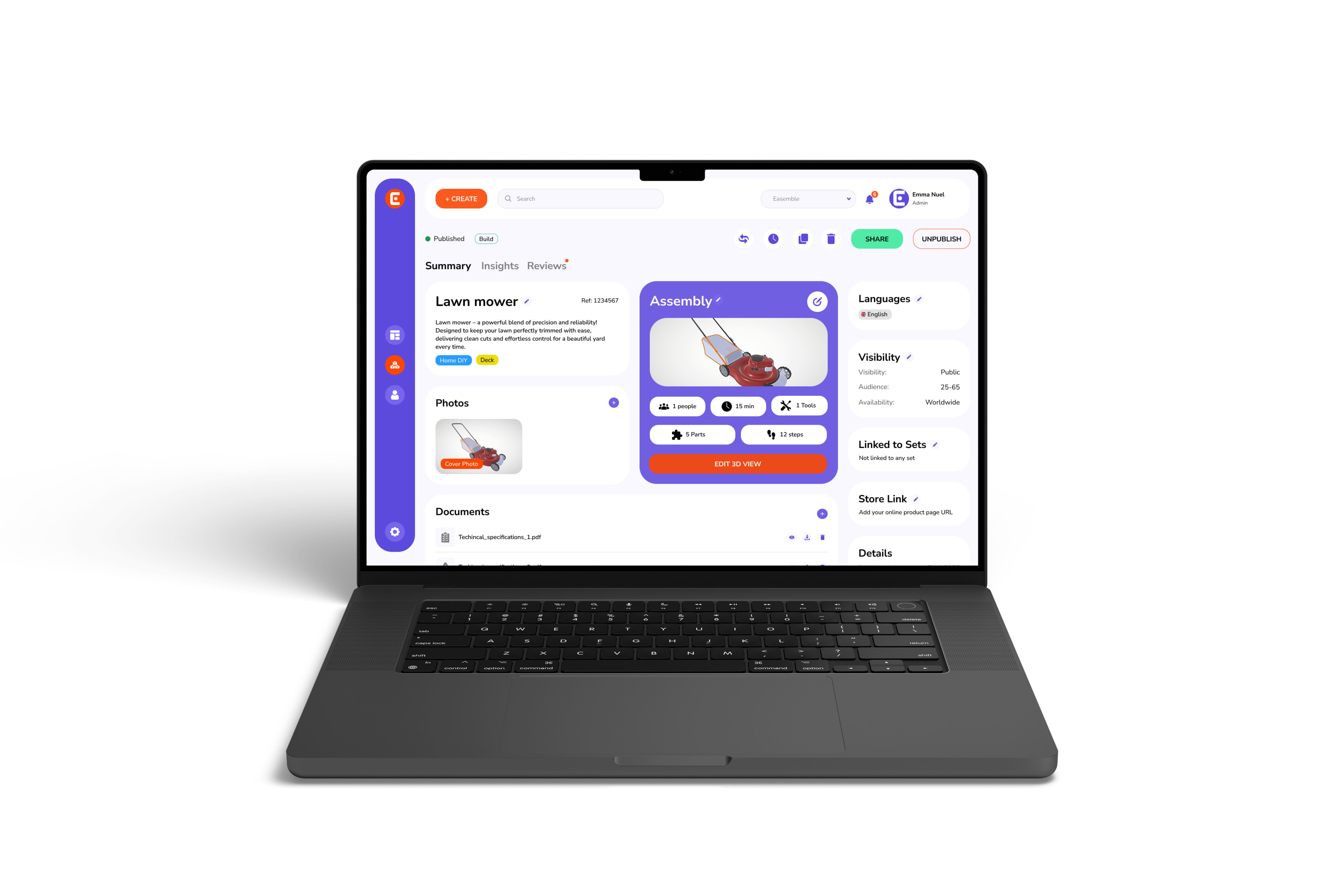
Easemble’s PDF manuals feature helps you create, download and share high-quality PDF format assembly guides. Thus, allowing customers to have up-to-date guides in both digital and print forms.
.png)
.png)
FAQs
How do I access the automatically generated PDF?
The PDF is available for download directly from your Easemble™ dashboard. You can export it anytime with a single click.
Are the PDFs print-friendly?
Absolutely. The generated PDFs are optimized for printing with clear images and well-structured content.
Can I share the PDF directly from Easemble™?
Yes, you can share a download link or email the PDF directly from the platform.
Is there a limit to the number of PDFs I can generate?
No, you can generate unlimited PDFs—every time you update your manual, a new version is available.
.png)